



Every business that relies on cold storage knows this simple truth: when your cooler works well, everything else runs more smoothly. A well-maintained system doesn’t just keep products at the right temperature. It also saves energy, reduces costly breakdowns, and helps keep your operations stress-free.
The good news? You don’t need complicated maintenance routines to get there. By incorporating a few simple daily habits, you can help extend the life of your walk-in cooler and keep it performing at its best.
1. Temperature Monitoring and Troubleshooting
Temperature stability is the foundation of any reliable cold storage system. Even slight fluctuations can signal early issues, from air leaks to refrigerant problems. By checking and recording the temperature at the same time daily, you can spot irregularities quickly and act before stored products are compromised.
Temperature Not Cold Enough
When your walk-in cooler isn’t reaching the desired temperature, the issue often comes down to one or more of the following:
- Door not sealing properly: Gaps or loose seals allow warm air to enter.
- Excessive ice buildup: Ice on the evaporator coil or exhaust pipe reduces cooling efficiency.
- Low compressor efficiency: A weak compressor can’t maintain stable temperatures.
- Expansion valve issues: Incorrect adjustment, ice blockage, or dirt can disrupt refrigerant flow.
- Low refrigerant levels: Insufficient refrigerant weakens the system’s cooling power.
Quick fix: Ensure the door seals tightly, clean dirty components, and top up refrigerant if needed.
The Temperature Is Too Cold
If the temperature dips too low, it can damage certain products and drive up energy costs unnecessarily. This is typically caused by:
- Thermostat set too low: An overly low setting forces the system to overcool.
- Poor airflow: Blocked or frozen evaporators can reduce air circulation, causing uneven or excessive cooling.
Quick fix: Check the thermostat settings and adjust them to the correct range. Inspect the evaporator for frost and defrost if necessary to restore proper airflow.
2. Inspect Door Seals and Close Doors Properly
It might seem small, but how your door closes can make a big difference. If the gasket isn’t sealing tightly, warm air will slip in, making your system work harder and increasing energy costs. Over time, this added strain can shorten the lifespan of your cooler.
Take a quick moment each day to wipe down the gasket and check for cracks, tears, or loose edges to prevent condensation. Train your team to make sure the door is fully closed after every use.
A snug seal means a more efficient system, and less chance of temperature spikes during the day.
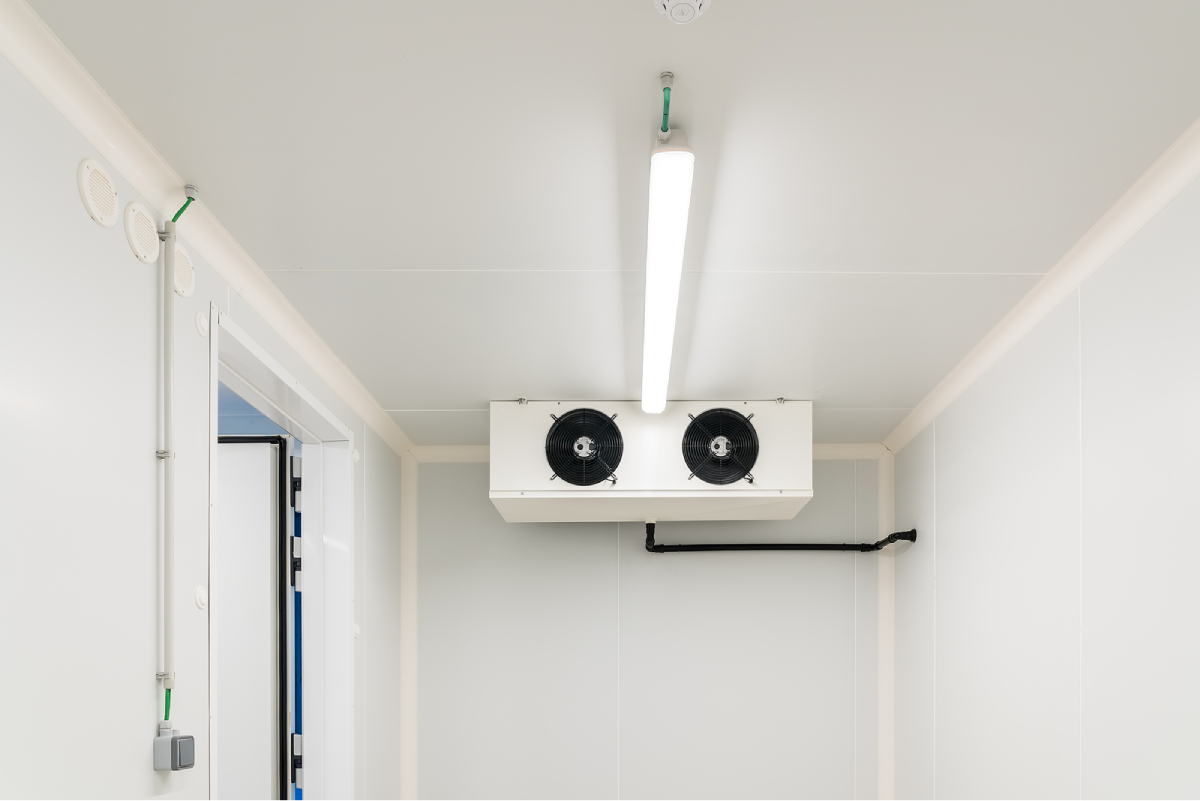
3. Keep the Vents Clear
Blocked airflow is one of the most common culprits behind inconsistent cooling. When boxes or pallets are stacked too close to vents or dirty evaporator coils, they disrupt circulation, causing uneven temperatures and extra strain on your system.
Make it a habit to keep products away from evaporator coils and fans to ensure proper airflow.
A clean and clear space inside your cooler doesn’t just look better; it helps the system work more efficiently.
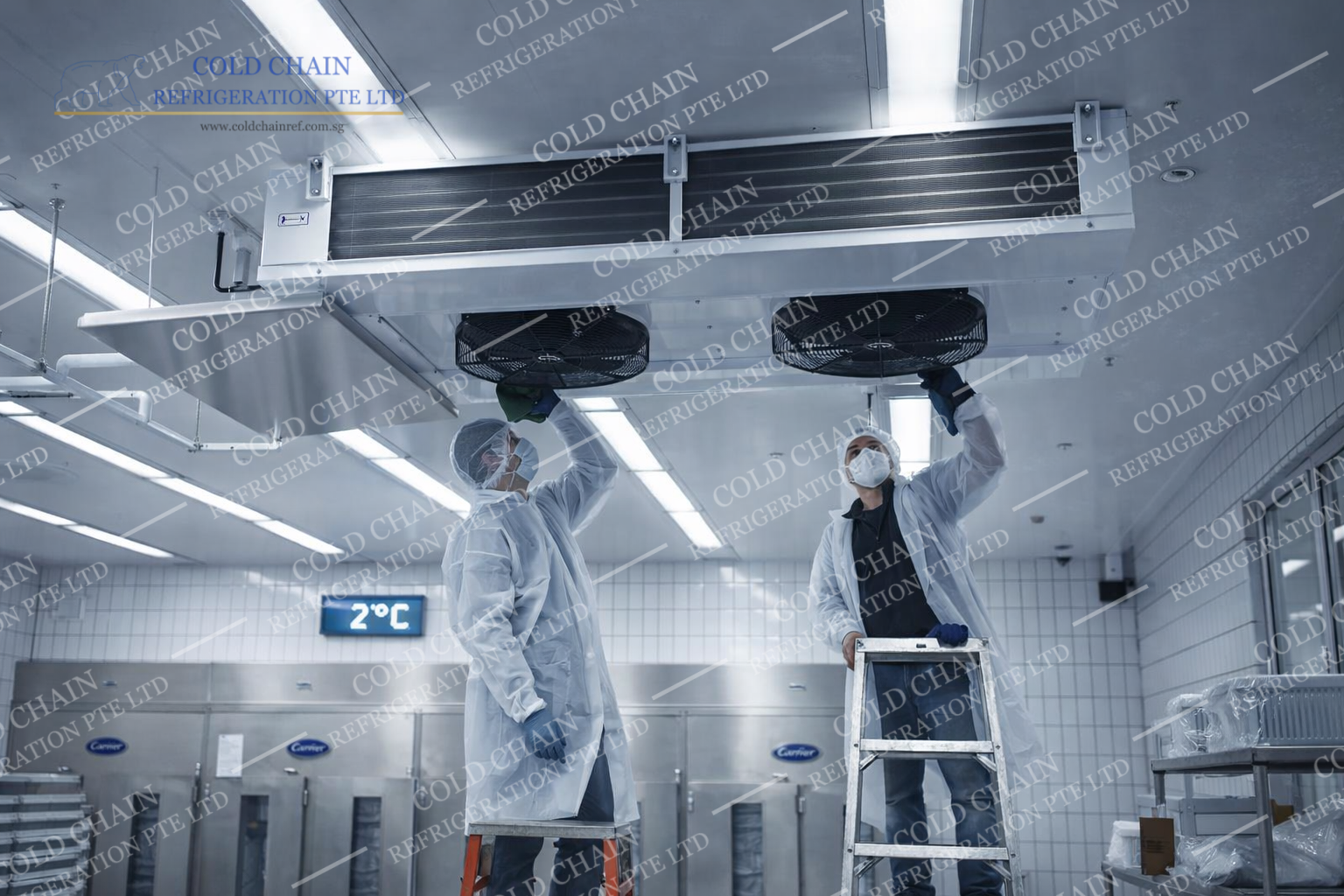
4. Wipe Down Surfaces to Prevent Frost Build-Up
Frost build-up on evaporator coil is more than just a cosmetic issue. It’s a clear sign that moisture is entering the cooler, usually through frequent door openings or poor sealing. Left unchecked, it can interfere with temperature regulation and overwork the compressor.
Each day, do a quick check of the walls, ceiling, and fan area for signs of frost or condensation. Wiping down surfaces prevents small problems from becoming big maintenance headaches.
If frost keeps coming back, it may be time to look closer at door seals, defrost settings, the thermostat, or refrigerant levels.
5. Limit Unnecessary Door Openings
Every time the door opens, warm air enters, and your system has to work harder to bring the temperature back down. It’s one of the easiest but most overlooked factors that can affect efficiency.
Train staff to plan their cooler trips wisely. Grouping retrievals together instead of making multiple visits helps keep the internal temperature stable. You might even consider installing a strip curtain to minimise air exchange during peak hours.
Over time, these small changes can lower your energy bills and reduce wear on the compressor.
6. Listen for Unusual Noises
Your walk-in cooler often gives early warning signs when something isn’t right. A new humming sound, louder compressor, or strange rattling can all point to developing issues.
Small checks can help you catch fan, motor problems, or compressor trouble early. Preventive action here can save you from costly repairs or unexpected downtime later.
7. Empty Drains and Check for Water Build-Up
Standing water inside or near your cooler is more than just messy; it can lead to bacterial growth, slips, and equipment strain. It can also be a sign that your drain line is clogged.
Include drain inspection in your daily walk-through. If you see water pooling, clear it immediately and check the line. Keeping drains clean prevents moisture build-up and keeps your system operating safely.
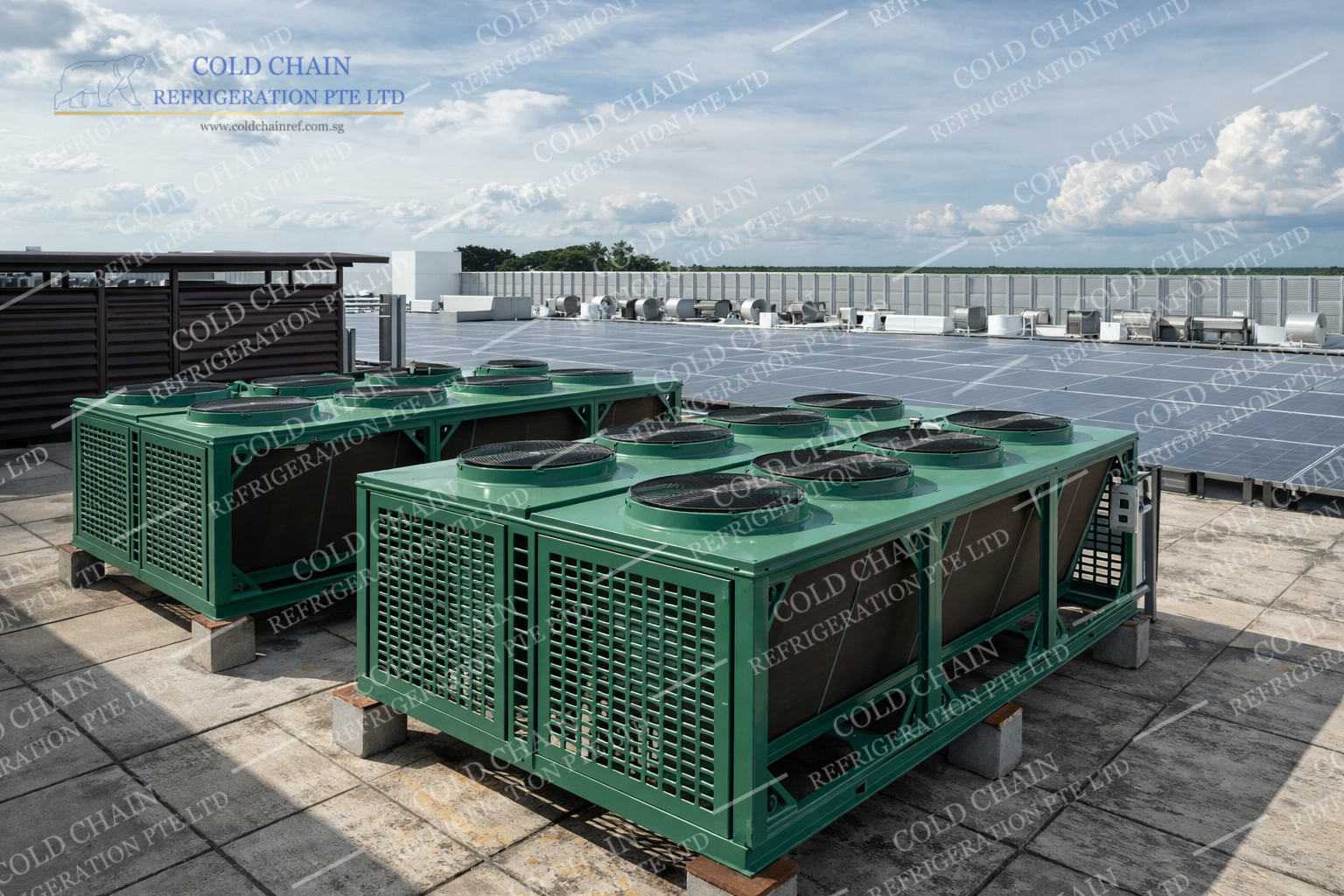
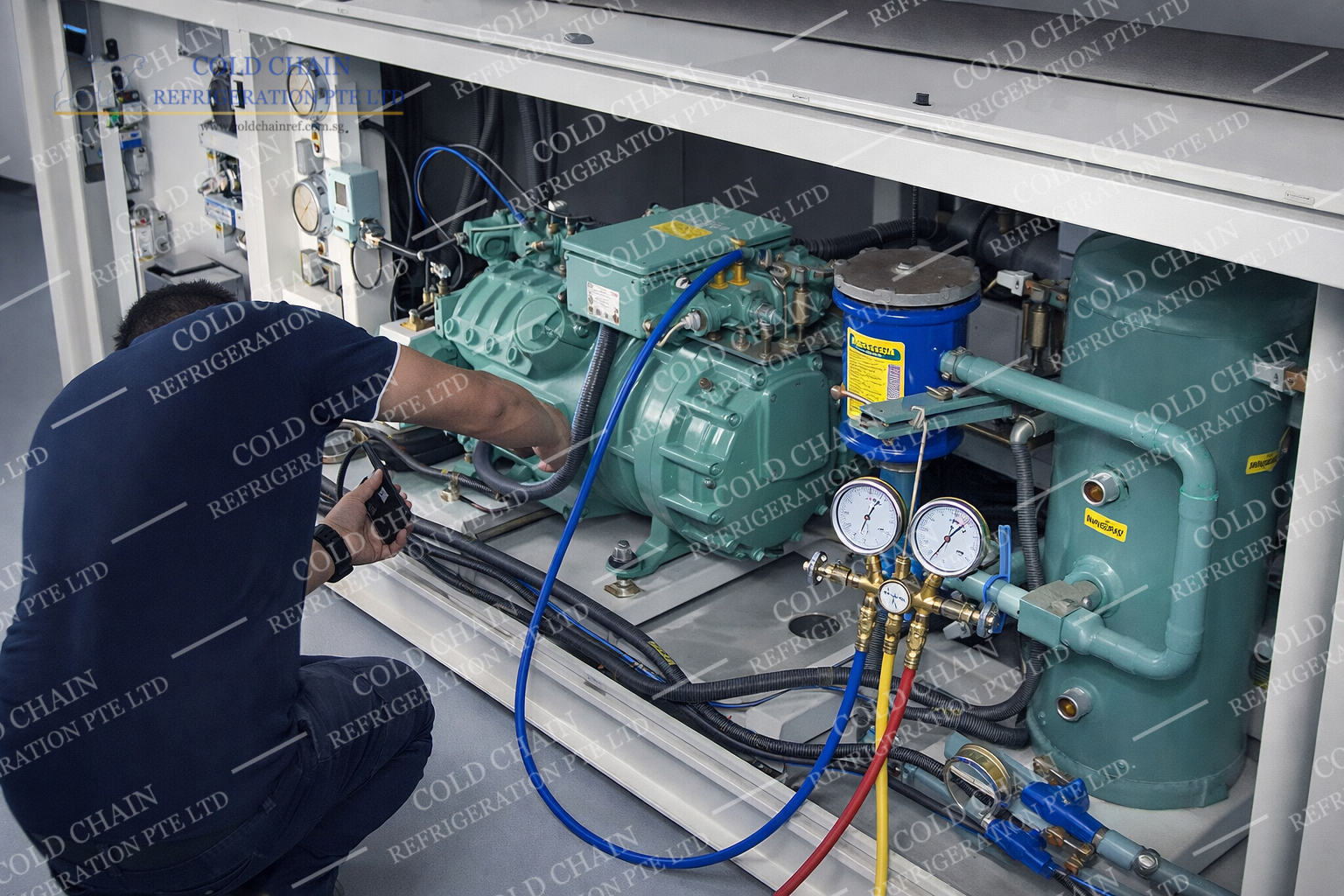
8. Inspect Key Components: Compressor and Condenser Fan
Keeping an eye on critical mechanical components helps prevent unexpected breakdowns. Two of the most common culprits behind cooling failures are a faulty compressor and a non-functioning condenser fan. Regular inspections can catch these problems early and help you avoid costly downtime or product spoilage.
Condenser Fan Not Working
If the condenser fan isn’t running, heat from the refrigeration system can’t be released efficiently. This can cause the compressor to overheat, eventually damaging the unit and shutting the cold room down completely.
Quick Fix:
- Check the power supply and ensure the fan is correctly installed.
- Look for obstructions such as debris or dust buildup around the fan blades and remove them.
- If the fan still doesn’t work, the issue may lie with the motor, which may need repair or replacement.
Compressor Not Working
The compressor is the heart of your cold room system. If it stops working, the temperature inside can rise quickly, putting stored goods at risk of spoiling.
Quick Fix:
- Check that the power supply is stable and the compressor is properly connected.
- Inspect and adjust the thermostat if necessary.
- If both power and thermostat are functioning, the compressor itself may need professional servicing or replacement.
9. Schedule Regular Professional Maintenance
While daily habits keep your system in good shape, professional maintenance ensures deeper issues are addressed before they cause breakdowns. Schedule inspections and servicing at least 4 times a year to keep your cooler performing at its best.
Technicians can check refrigerant levels, calibrate controls, and clean components you might not access during daily routines. These professional touchpoints help maximise efficiency in your cold room and prevent problems before they escalate.
Conclusion: Keep Your Cooler Running Strong
Small daily habits can make a big difference in your system’s performance, energy efficiency, and lifespan. By checking temperatures, keeping spaces clear, and listening for changes, you’ll catch potential problems early and keep your operations running smoothly.
If you’re ready to optimise your cold storage even further, Cold Chain Refrigeration Pte Ltd is here to help. Our team provides tailored cold room solutions and maintenance and emergency repair service support that fit your business needs. With the right care and expert guidance, your walk-in cooler can deliver reliable performance every single day.
For more information, get in touch with us today.